FAQ
Support
How to change risk
Step-by-step guide to changing risk in MetaCopier
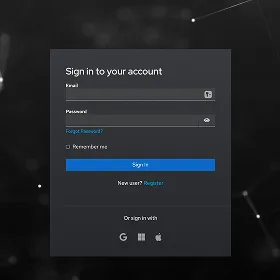 1
1Open your MetaCopier account
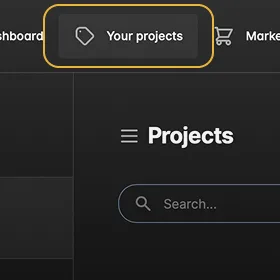 2
2Go to the Your projects section
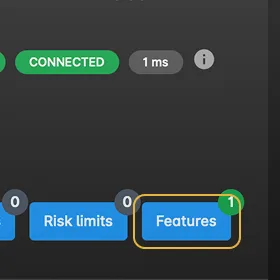 3
3Click Features
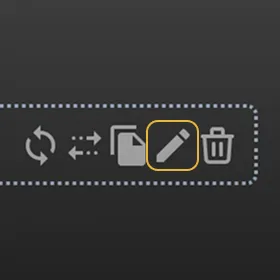 4
4Click the edit icon
 5
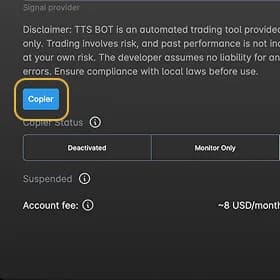
5Click the Copier button
 6
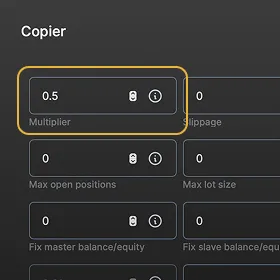
6In the first Multiplier field, change 1 to 0.5 if you want to halve the risk. 0.3 if you want to reduce the risk to 1/3. By default the bot is set to 30% risk per trade. Changing it to 0.5 lowers the risk to 15% per trade.
 7
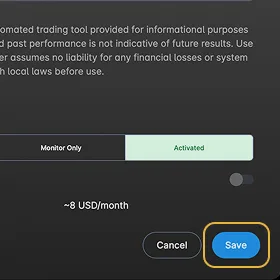
7Click Save, then Save again
Didn't find an answer?
Write to us at support@syncvest.live or on Telegram t.me/SyncvestEU